For hunters and anglers

Every season
tells a story.

Let yours be remembered.
Start your journal
Free on any phone. Add a photo from the field and we fill in that day's weather, wind, pressure and moon.
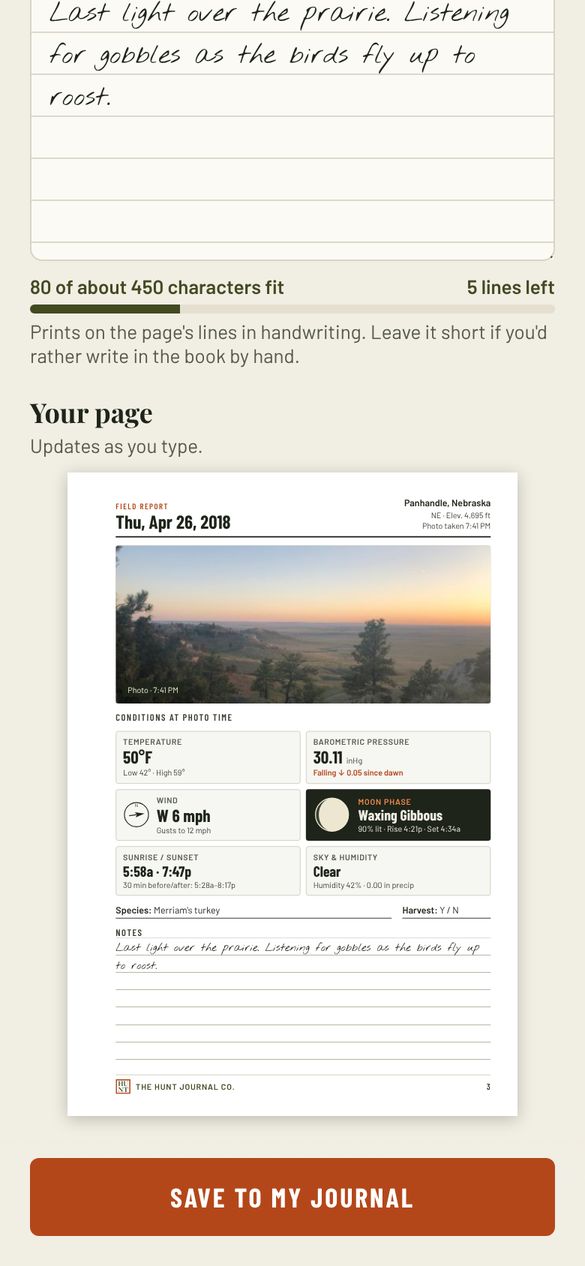
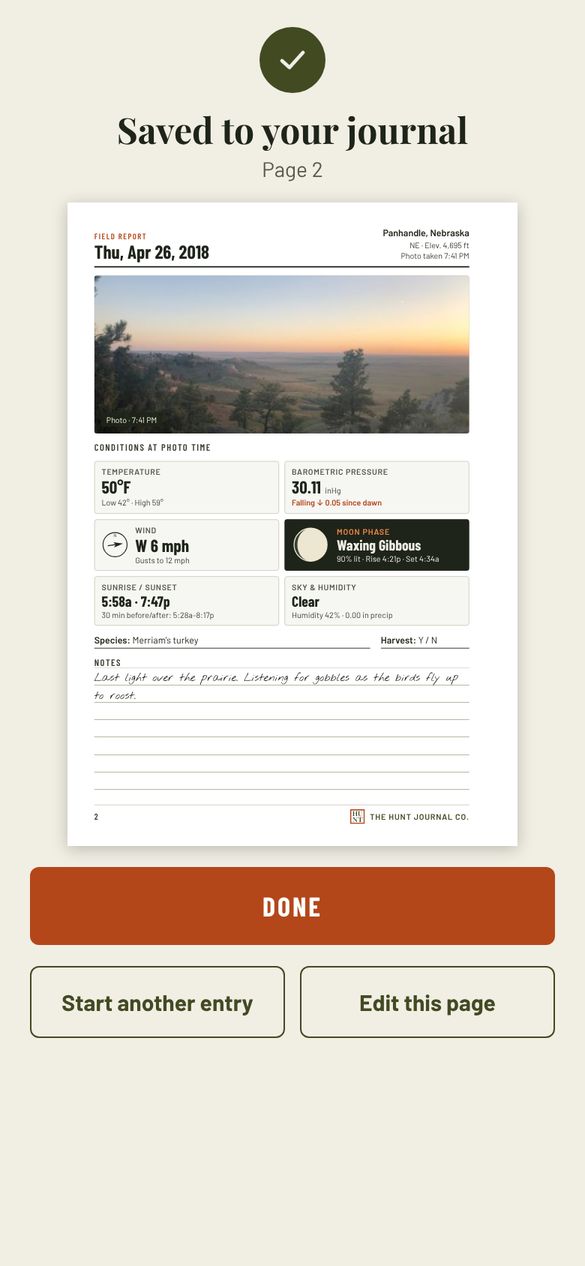
Field report · Turkey season
Thu, Apr 26, 2018 · 7:41p
Temp50°F
Pressure30.11 ↓
WindW 6
Sunset7:47p
MoonWaxing Gibbous · 90%
Last light over the prairie. Listening for gobbles as the birds fly up to roost.
Our mission

The Hunt Journal Co. is dedicated to helping hunters, anglers and outdoorsmen everywhere keep a lifetime of memories.

What we offer

Log it in the field. Keep it on the shelf.

The Hunt Journal app

Free

Your logbook for every hunt and every catch, kept on your phone.

  • Weather, pressure, wind, sun and moon filled in from your photos
  • Water temperature and level on fishing days
  • Classic, scrapbook and notes page styles
Open the app →

Print at Home Plan

$12.99/yr

Print your pages yourself, as often as you like.
  • Unlimited print-ready PDFs
  • Prints on regular 8½ × 11 paper, no cutting
  • Cancel any time
Get it in the app →
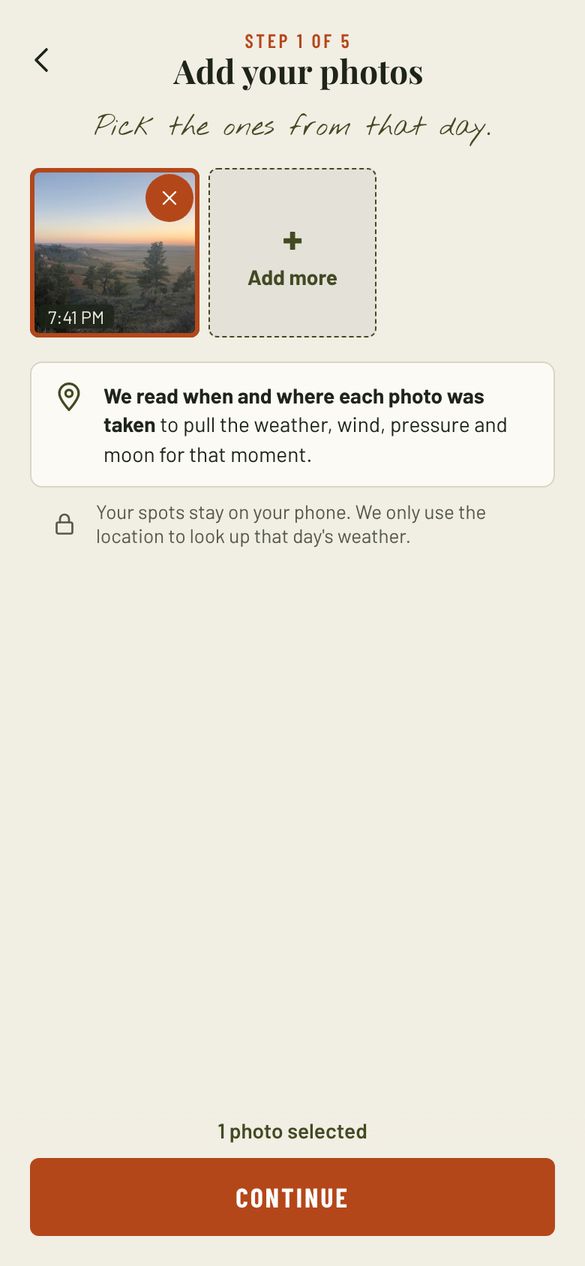
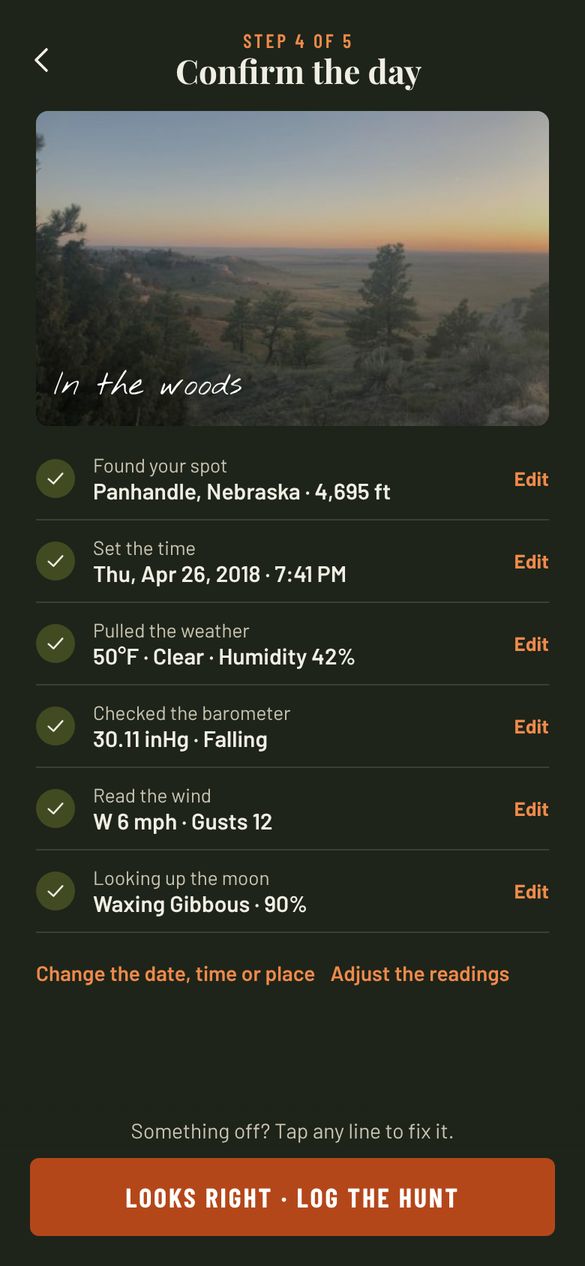
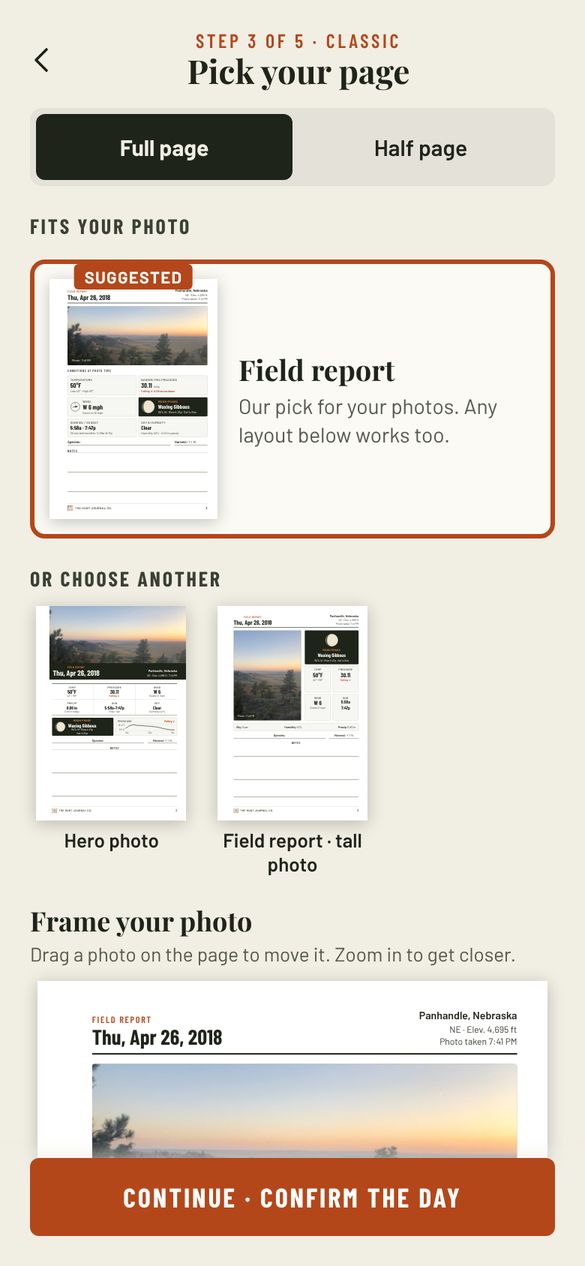
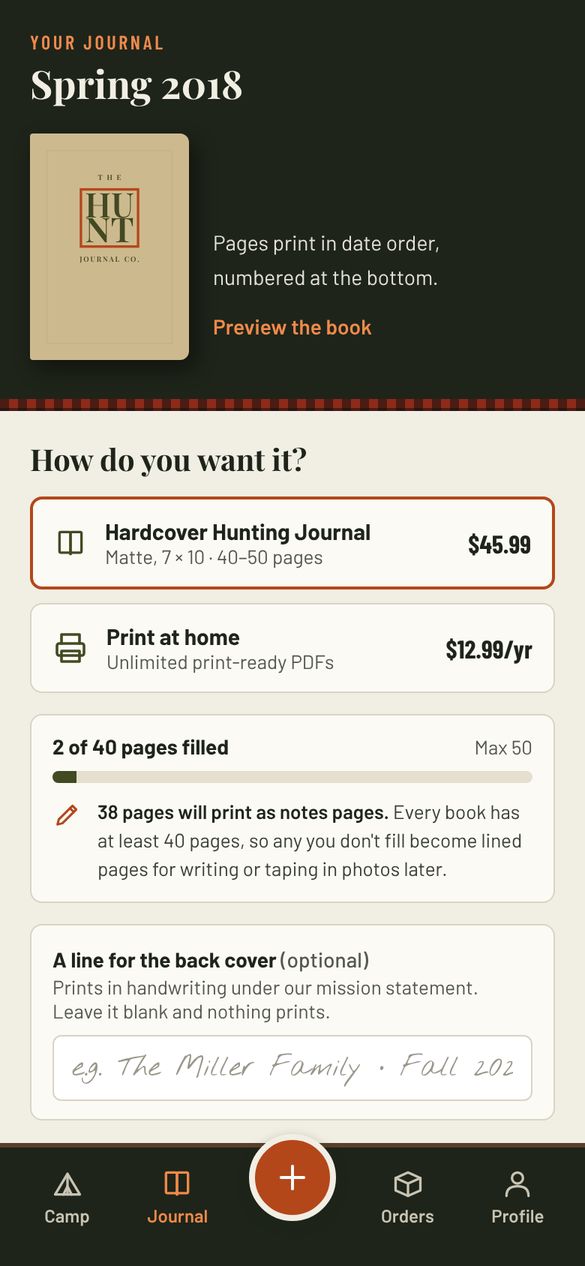
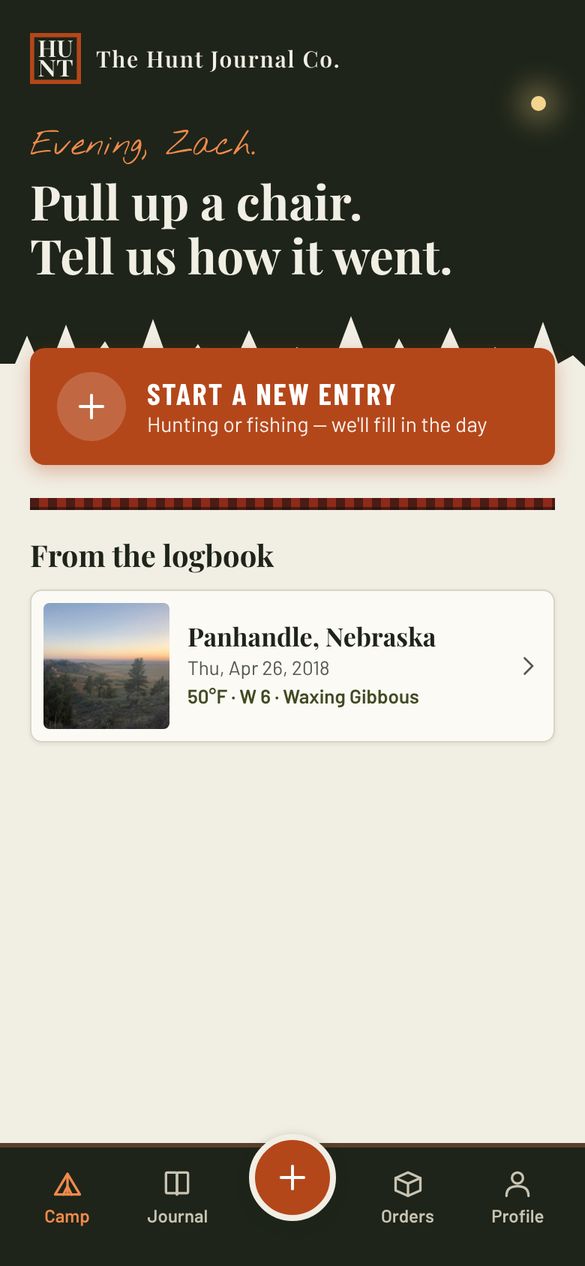
Your logbook: Every outing with that day's conditions, right on your phone.Start with a photo: Pick the pictures from that day. We read when and where they were taken.We read the day: Weather, barometer, wind, sun and moon for that exact moment. Tap anything to fix it.Pick your page: Classic, scrapbook or notes. A full page or half.Tell the story: Write a few lines and watch your page fill in.Saved to your journal: Every entry becomes a page in your book, in date order.Order the hardcover: 40 to 50 pages in a kraft canvas hardcover, $45.99.
How it works

From the stand to the bookshelf

Your logbookEvery outing with that day's conditions, right on your phone.
No app store needed

Put it on your home screen

The Hunt Journal runs from your phone's browser. Add it to your home screen once and it opens like any other app, works with no signal, and keeps your journal safe on your phone.

  1. Open thehuntjournalco.netlify.app in Safari.
  2. Tap the Share button at the bottom of the screen.
  3. Scroll down and tap Add to Home Screen .
  4. Tap Add. The Hunt Journal icon appears on your home screen. Open it from there.

Your entries and photos are saved on your phone. Save a backup from the app's Profile tab now and then, so a new phone doesn't mean a lost season.

On a computer? Scan this with your phone's camera to open the app.

Your next season starts with one page.

Start your journal